A video project is easier to plan when you know what needs to be decided before filming starts. The audience, message, budget, locations and approval process all shape the work. A video production partner such as Viva Media can help turn those decisions into a practical brief, shoot and edit.
The video production process usually moves through concept development, pre-production, production and post-production. Each stage produces something the next stage needs, such as an approved script, shot list or first edit. Use this guide to understand what to prepare and what to discuss with your video production company.
Viva Media is a Toronto video production company and animation studio working on commercials, corporate videos and social content. The finished Lagostina EliteClad campaign film and Freddie social video offer two references for a brief. A campaign and an ongoing series follow the same broad stages, but may need different crews, schedules and versions.
1. Consultation and concept development
Start the video production process by agreeing on the problem the video should help solve. Share the intended audience, use, deadline, available budget and who will approve the work. If an agency leads the creative, clarify where its responsibilities end and where the production team's begin.
a) Establish your goals: Choose the main job of the video, such as introducing a product, answering a sales question or explaining an internal process. Identify how your team will assess whether it did that job.
b) Define your audience: Describe the people watching and what they already know. A first-time buyer, existing customer and employee will need different explanations and next steps.
c) Develop the concept: Discuss the story, visual approach and examples that suit the brief. Decide what must be filmed, what can be animated and which assets already exist. Record those choices before requesting a detailed production scope.
2. Pre-production: prepare for the shoot
Pre-production turns the concept into a plan the crew and client can follow. Confirm deliverables, shoot logistics and approvals here; a late change to the script can affect locations, talent and time on set.
a) Scriptwriting: Write the spoken lines or interview topics alongside the intended visuals. Check product claims, names and pronunciations. Agree on whether Viva, the brand or an agency supplies the script, and who signs it off.
b) Storyboards and shot lists: Use boards where the team needs to agree on specific visuals. For interview-led work, a shot list may be more useful. Include supporting footage, product close-ups and any framing needed for vertical edits.
c) Production scheduling: Assign responsibility for locations, access, permits, crew, talent and equipment. Build the schedule around those requirements and the approval deadline. For recurring content, group compatible scenes or interviews while allowing for the actual time each needs.
3. Production: film the agreed material
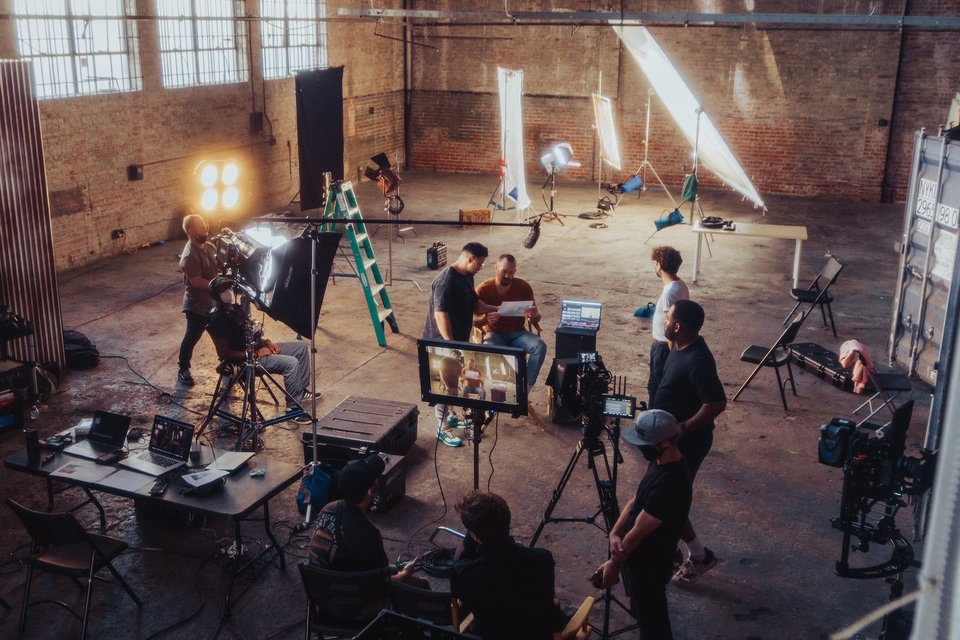
On the shoot, the team works through the approved plan and checks the material as it is captured. Keep an agreed client or agency contact available for questions that could change the message or scope.
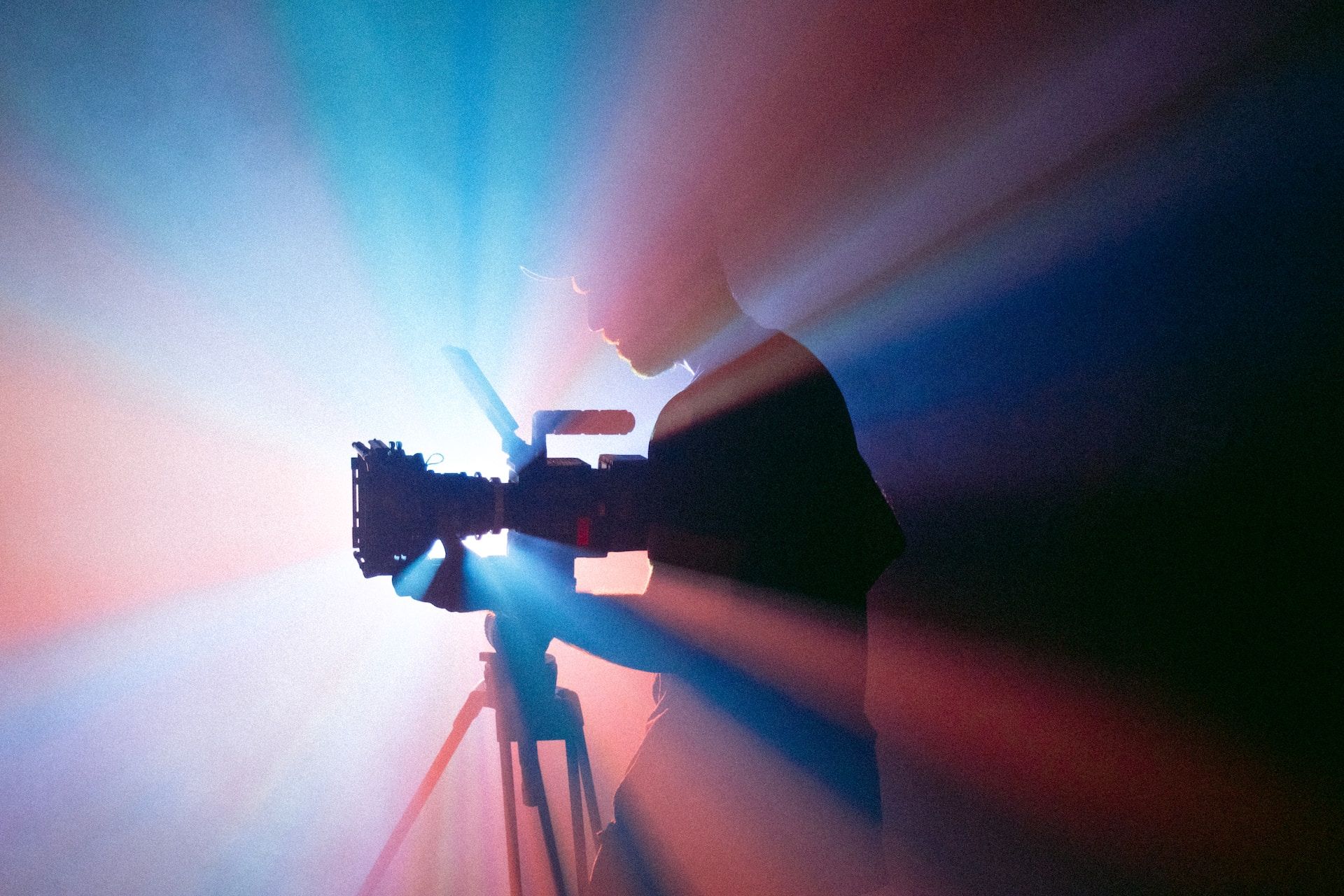
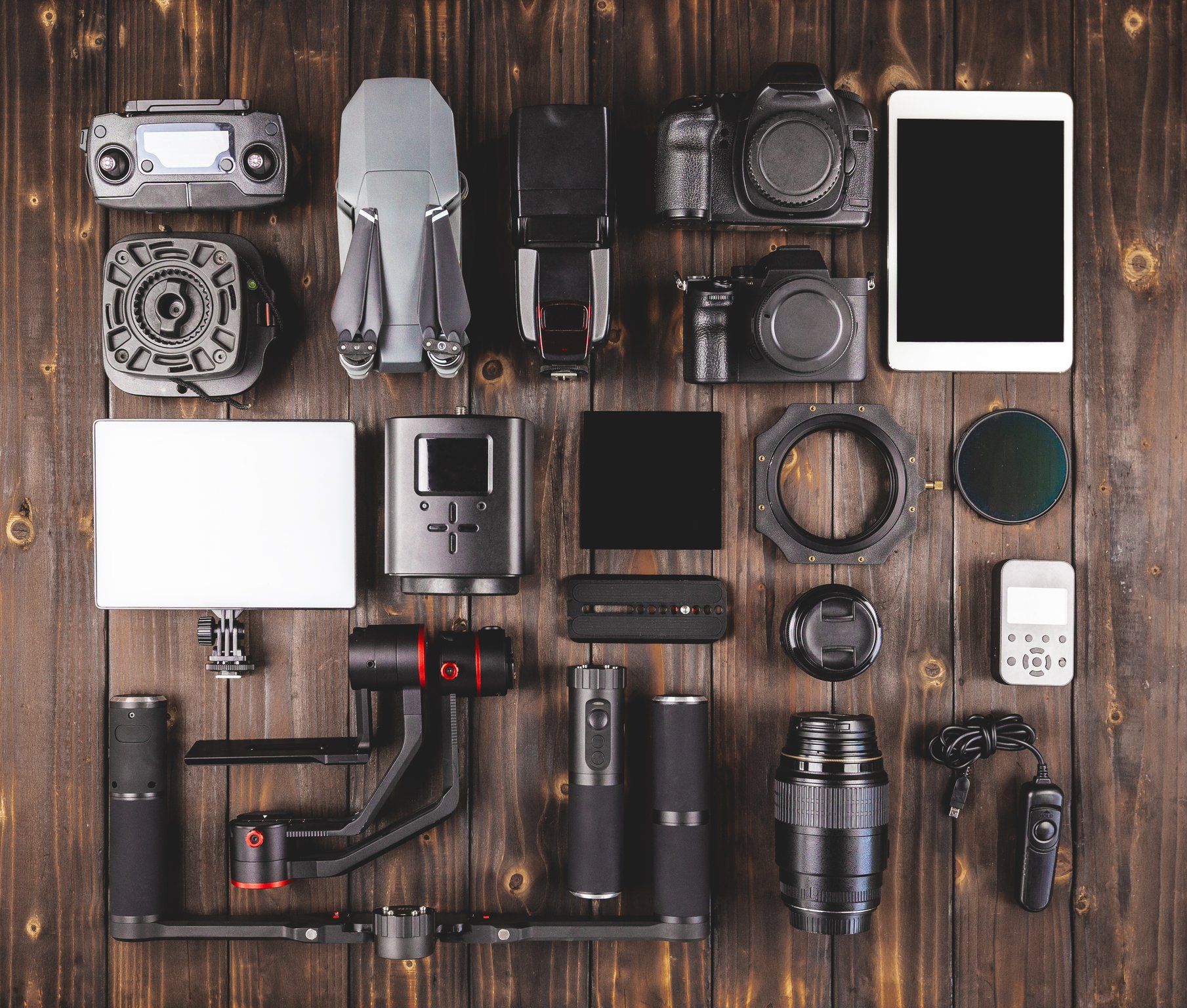
a) Filming: The crew records the interviews, performances, products and supporting scenes. Camera, lighting and sound decisions should suit the concept and the location, including any limitations identified during pre-production.
b) Directing: The director guides performances and coordinates the scene with the crew. For an interview, allow time for follow-up questions and natural answers. Review any unexpected change with the person authorized to approve it.
c) Checking the footage: Check focus, exposure, sound and continuity during the shoot. Before leaving a location, compare what was captured with the shot list and flag anything missing. These checks reduce avoidable gaps; they do not replace the later edit review.
4. Post-production: edit, review and deliver
Post-production combines the selected footage, sound and graphics into the finished versions. Agree on review stages and gather stakeholder feedback in one place so the editor can resolve it without conflicting instructions.
a) Video editing: Review the first cut for structure, message and pace. Use timecoded feedback and explain the problem you want a change to solve. Plan the main film and shorter edits against the approved deliverables.
b) Sound and music: Balance dialogue, music and sound effects so the message is clear. Confirm that the music and other third-party material can be used in the intended channels and territories.
c) Graphics and colour: Check titles, product details, animation and colour consistency. Review captions, export formats and each version before delivery. W3C's media guidance explains accessibility considerations to include in the production plan, rather than leaving them until the final export.
What to bring to the first conversation
Bring the brief, reference videos, current brand assets, known locations or participants, deadline and approval contacts. You do not need every answer before contacting a production team, but distinguish the decisions already made from the ones you need help with.
For a campaign, list the main film and the edits each channel needs. For ongoing social content, discuss the topics, filming access, review capacity and publishing cadence. Neither approach comes with a fixed output or turnaround until the scope is agreed.
Talk to Viva Media about video production services in the GTA. Share what you need to make, who it is for and where it will be used so the team can discuss a suitable production plan.