
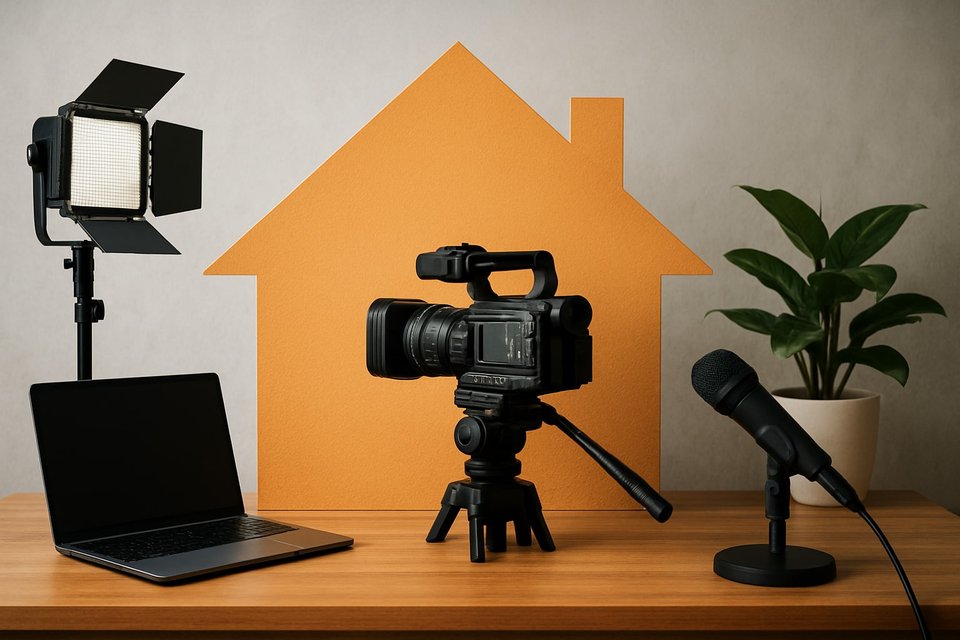
The creator economy in 2026 is thriving, making it more important than ever to master your own home video studio. With the surge in demand for video content, creators who can produce professional results at home will stand out from the crowd.
This guide delivers expert strategies to help you set up, optimize, and elevate your home video studio. Whether you are just starting out or looking to upgrade, you will find actionable steps and insider tips tailored for today’s technology and trends.
From planning your content and selecting the perfect space to lighting, sound, gear, and workflow hacks, we cover everything you need. Ready to take your content to the next level? Dive in and transform your home video studio for the future.
Step 1: Planning Your Content and Studio Goals
Setting up a home video studio begins with a clear blueprint. Before buying gear or rearranging furniture, you need a solid plan that aligns with your creative vision and long-term goals. This step will help you lay a strong foundation for a studio that adapts to your evolving needs in 2026.
Define Your Content Vision
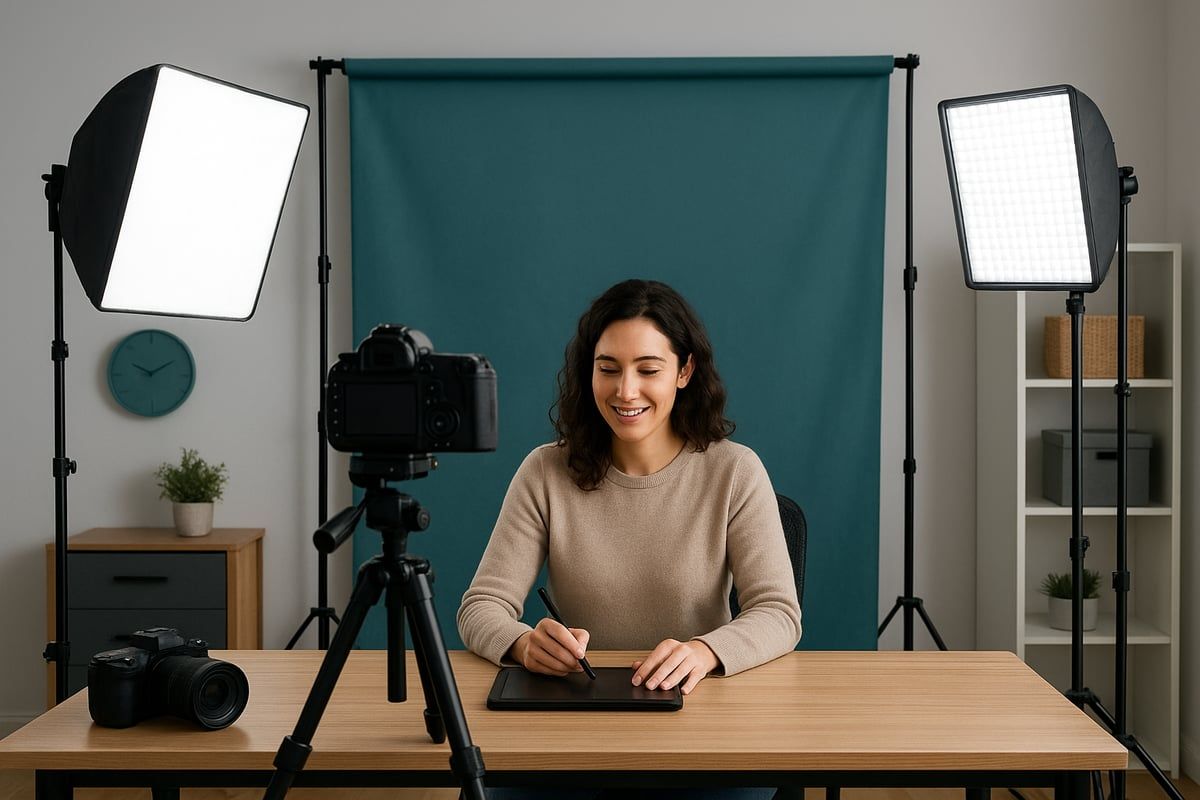
Start by clarifying what you want from your home video studio. Are you producing educational tutorials, entertainment, product reviews, or live streams? Each genre shapes your setup. For instance, educational content typically demands uncluttered, distraction-free backdrops, while entertainment or vlogs might benefit from colorful, dynamic sets.
Next, pinpoint your target audience. In 2026, viewers expect immersive visuals and crisp audio, so consider what keeps them engaged. Define your studio goals: Are you focused on audience growth, monetization, building a brand, or honing your skills? For example, an educator may want clear visuals and minimal distractions, whereas a gamer might prioritize on-screen graphics and lighting effects.
Competitor research reveals that the type of content you create will influence every decision, from camera choice to set design. A clear vision ensures your home video studio supports your unique style and objectives.
Map Out Studio Requirements
Once your vision is set, list the requirements for your home video studio. Assess what you need in terms of space, lighting, sound control, and gear. Will you need a multi-camera setup for interviews, or is a single angle enough? Consider if you plan to integrate live streaming or podcasting.
Think about future scalability. Can your space adapt to new formats or expanding equipment? Must-have features could include a green screen, soundproofing, or flexible backdrops. For example, a tech reviewer may require overhead rigs for top-down shots, while a podcaster might focus on acoustic treatment.
Here’s a quick list of essentials:
- Adjustable lighting fixtures
- Sound dampening solutions
- Sturdy tripod or camera mounts
- Modular furniture
- Storage for cables and props
Mapping out these needs early prevents costly mistakes and ensures your home video studio is both functional and future-proof.
Budgeting for 2026 Creators
Creating a home video studio does not have to break the bank. Start by separating essential expenses from optional upgrades. Prioritize items that directly impact production quality, such as lighting and audio.
Factor in the latest tech trends for 2026, including AI-powered cameras, smart lighting, and modular furniture. Competitor insights show that many creators built effective studios for under $500, excluding camera and microphone costs.
A 2025 survey found that 67% of home studios cost less than $1,000 to set up. Here’s a budget breakdown:
| Item | Budget Range (USD) |
|---|---|
| Lighting | $50–$200 |
| Soundproofing | $30–$150 |
| Furniture/Backdrops | $40–$200 |
| Accessories | $30–$100 |
Allocate your resources wisely to maximize the impact of your home video studio.
Scheduling and Workflow Considerations
Consistency is key to making the most of your home video studio. Plan when and how often you’ll shoot, as well as how accessible the space needs to be. If you livestream, blackout curtains may be essential for controlling light during daytime sessions.
Create a content calendar to organize filming days and editing sessions. This helps you batch tasks efficiently and reduces setup time. For example, if you share your studio space, modular gear and foldable backdrops allow for quick transitions between work and filming.
A well-thought-out schedule ensures your home video studio is always ready when inspiration strikes, supporting both productivity and creativity.
Inspiration and Research
Research is vital before finalizing your home video studio design. Browse YouTube, Instagram, and creator forums for inspiration. Collect images, layouts, and workflow hacks that appeal to you. Download resources like “100+ Studio Backdrops” to spark ideas for your set.
Competitor content often highlights how a carefully chosen backdrop can boost audience engagement. For a step-by-step overview of planning, gear selection, and studio setup, check out this Home Video Studio Setup Guide.
By gathering inspiration and studying successful creators, you can build a home video studio that reflects your personality and meets your content goals.
Step 2: Choosing the Right Location in Your Home
Finding the ideal spot for your home video studio is a pivotal step that shapes every aspect of your content creation. The right location enhances your workflow and elevates production quality, making your studio both functional and inspiring.
Evaluate Available Spaces
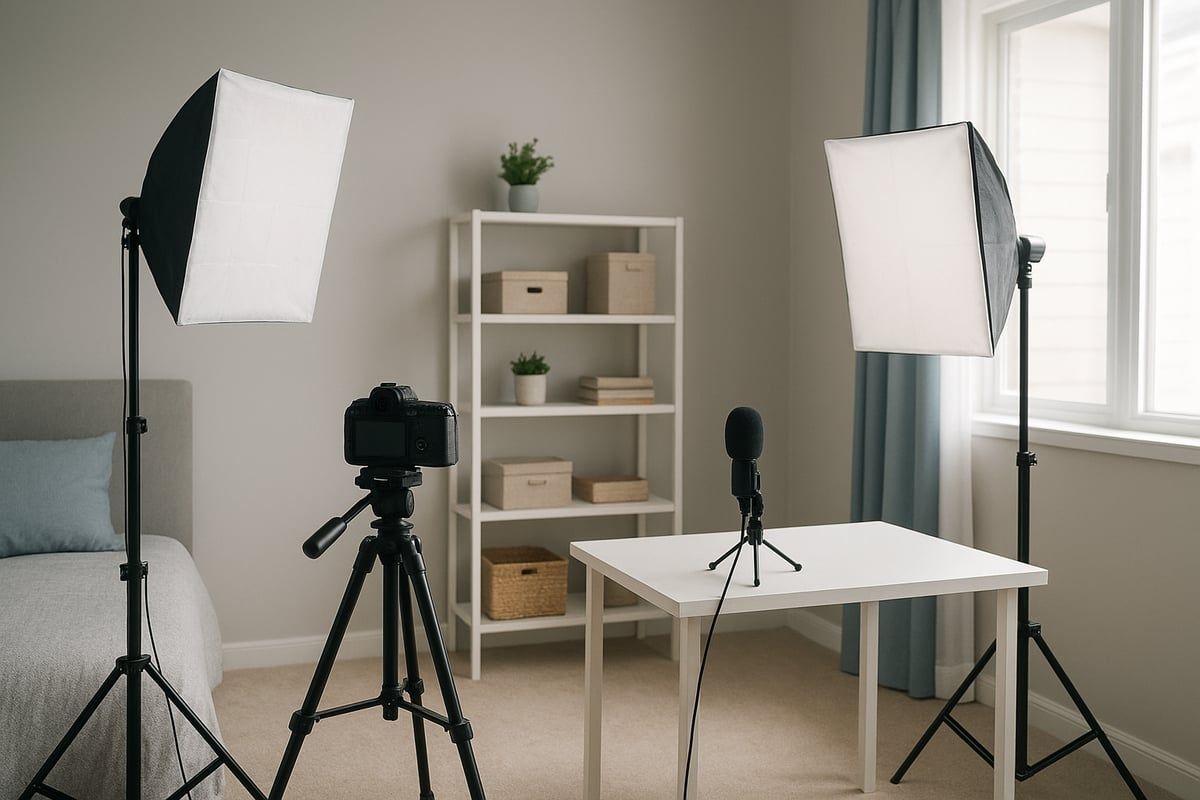
Assess every room in your home for its potential as a home video studio. Spare bedrooms are popular, offering privacy and flexibility. Offices and closets are also effective, especially when sound control is a priority.
Room Pros and Cons Table:
| Room | Pros | Cons |
|---|---|---|
| Spare Bedroom | Quiet, private, lots of space | May require moving furniture |
| Office | Professional, existing desk setup | Possible background clutter |
| Closet | Excellent sound dampening | Limited space, ventilation |
| Garage | Roomy, customizable | Noise, temperature swings |
| Attic | Isolated, unique angles | Access, insulation issues |
Consider natural light, power outlets, and how easily you can access the space. In 2025, 42% of creators used spare bedrooms, while 25% set up studios in offices or closets. These trends highlight the importance of adapting your home to your creative needs.
Match Location to Content Type
Align your studio location with your content style. Food creators often prefer kitchens for authenticity, while DIY or automotive content thrives in garages. Vloggers may choose living rooms for a personal touch, and business creators lean toward offices for a professional feel.
For those specializing in cooking or recipe videos, setting up in the kitchen is essential. For more practical guidance, see these tips for filming food videos. Your home video studio should reflect your content’s personality, ensuring your space supports your goals.
Acoustic and Noise Factors
Every home video studio must contend with noise. Identify sources like HVAC units, street traffic, or appliances. Test acoustics by clapping or recording sample audio in each room.
Closets naturally absorb sound, making them ideal for voiceovers or podcasts. If external noise is an issue, consider additional soundproofing or recording at quieter times. A quieter room will dramatically improve your audio quality and viewer retention.
Lighting Potential
Lighting is a cornerstone of any home video studio. Evaluate rooms for natural light sources such as windows or skylights. While abundant daylight is great, it can be inconsistent. Plan for blackout curtains or diffusers to control brightness.
Wall color also impacts lighting. White walls reflect light for a bright, airy look, while black walls help with dramatic, controlled setups. Many creators use light gray for balance and versatility.
Accessibility and Comfort
Your home video studio should be easy to access, both for you and any guests. Ensure there is enough ventilation and that temperature can be managed with heaters or fans if needed. Safety is key; keep walkways clear and equipment stable.
Garages may require extra measures for comfort, such as portable climate control units. Prioritize a setup that allows you to focus on content, not distractions.
Flexibility and Multi-Purpose Use
Decide if your home video studio will be a dedicated space or serve multiple functions. Shared spaces benefit from foldable backdrops and modular furniture, allowing you to switch between everyday living and filming with ease.
Many creators design functional sets that blend seamlessly into their home environment. This approach maximizes both space and efficiency, ensuring your studio adapts as your needs evolve.
Step 3: Designing Your Set, Backdrop, and Studio Aesthetic
Designing a standout home video studio in 2026 means blending creativity, technology, and function. Every decision, from wall color to backdrop, shapes your on-camera presence. A well-designed space not only elevates production value but also helps your content resonate with viewers.
Selecting Wall Colors and Backdrops
Choosing the right wall color is foundational for any home video studio. Neutral shades like white, grey, or black set the tone. White walls reflect light, creating a bright, airy look. Black absorbs light, allowing for dramatic, controlled lighting. Grey strikes a balance, providing accurate color reproduction without harsh reflections.
For flexible spaces, coordinate wall color with your brand palette or existing décor. Many creators find that grey (with 20 percent black) is ideal for color accuracy, according to editors. If your studio is shared, consider portable backdrops that can be set up and removed easily.
A quick table to compare options:
| Wall Color | Effect on Lighting | Best For |
|---|---|---|
| White | Reflects light | Bright, educational content |
| Grey | Neutral balance | Accurate color, versatility |
| Black | Absorbs light | Dramatic, moody productions |
A thoughtful wall and backdrop choice anchors your home video studio’s visual identity.
Backdrop Options for 2026
Backdrops are critical for separating your subject from the background and reinforcing your brand. In 2026, creators use options like seamless paper rolls, infinity backdrops, and modular panels. Digital backdrops using projectors or LED screens add flexibility, while printed or fabric options allow for quick swaps.
Minimalist sets with bookshelves, plants, or branded props remain popular. Modular backdrops, which can be rearranged, are perfect for multi-purpose studios. For more details on essential gear and backdrop setup, the Video production equipment guide is a valuable resource.
When designing a home video studio, make sure your backdrop supports both your content and your workflow.
Set Design Principles
Effective set design creates depth and visual interest in your home video studio. Layer the foreground and background to prevent a flat look on camera. Use furniture and props that reflect your brand and content style.
For example, educators might feature a desk and laptop, while podcasters could use an armchair and framed art. Plants, books, or subtle lighting add personality without distraction. Keep the set uncluttered to direct focus to your subject.
Remember, every element should serve both form and function. A well-composed set elevates the quality of your home video studio and keeps viewers engaged.
Lighting Integration in Set Design
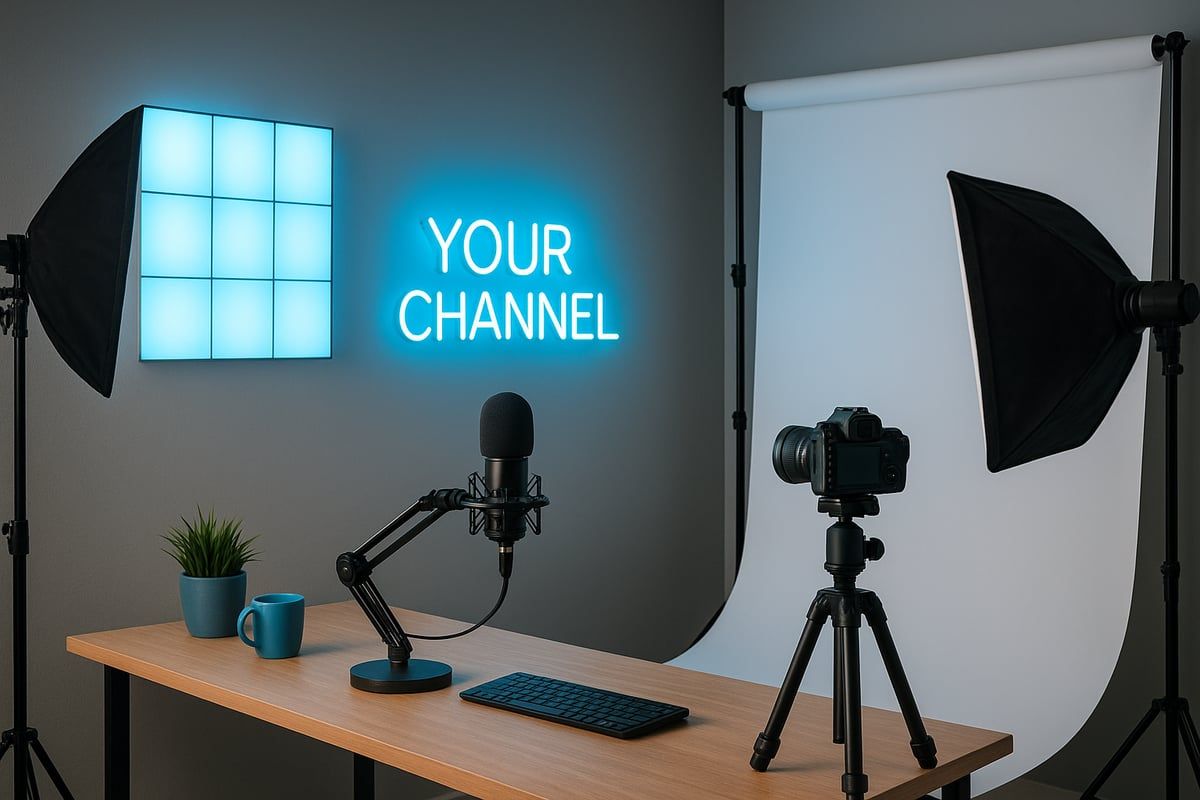
Lighting is not just functional, it is a core design element in your home video studio. Built-in LED strips, smart bulbs, and practical lights like lamps or neon signs can become striking features. Concealed lighting behind shelves or under desks creates depth and mood.
Pendant lights are an affordable, stylish accent—many creators use IKEA options for a modern touch. Plan your lighting as part of the set, not an afterthought, to ensure seamless integration with your backdrop and props.
Smart lighting systems allow you to adjust color temperature and brightness to suit various content types. This flexibility is crucial for a future-proof home video studio.
Branding and Personalization
Your home video studio should reflect your unique brand. Start with a consistent color scheme, using props, furniture, or wall art to reinforce your identity. Custom elements like a neon sign with your channel name or logo can create instant recognition.
Display items that resonate with your audience, such as awards, favorite books, or signature props. These touches make your space memorable and help build a loyal following. Personalization is not just aesthetic—it strengthens the connection between you and your viewers.
Inspiration Boards and Moodboards
Collecting visual references is a smart way to clarify your vision for a home video studio. Create digital moodboards with images of sets, color schemes, furniture, and lighting that inspire you. Use resources like “100+ Studio Backdrops” downloads or browse platforms such as Instagram and YouTube for current trends.
Moodboards help you experiment with styles before committing to a layout. They also serve as a communication tool if you collaborate with designers or other creators. Regularly update your inspiration board to stay ahead of trends and keep your home video studio fresh.
Set Safety and Ergonomics
A professional home video studio is not only beautiful but also safe and ergonomic. Keep pathways clear and secure cables with ties or covers to prevent tripping. Choose stable furniture that supports your workflow and minimizes the risk of accidents.
Position your camera and equipment at comfortable heights to reduce strain during long shoots. Plan seating and camera angles for both solo and guest content. Regularly inspect your setup for hazards and make adjustments as your studio evolves.
Prioritizing safety ensures that your creative process is smooth and sustainable, allowing you to focus on producing outstanding content.
Step 4: Essential Equipment and Technology Upgrades for 2026
Setting up a home video studio in 2026 means choosing equipment that delivers professional results and stands the test of time. With technology evolving rapidly, creators must focus on gear that is both powerful and adaptable. This section covers everything you need to know about selecting, upgrading, and future-proofing your home video studio with the latest tech.
Camera Selection for Home Studios
Choosing the right camera is the cornerstone of a successful home video studio. In 2026, mirrorless cameras lead the pack with cutting-edge features like AI-powered autofocus, auto-framing, and 8K video. DSLRs remain a solid choice for those who value interchangeable lenses and robust manual controls, while high-end smartphones now offer pro-level video when paired with the right accessories.
| Camera Type | Pros | Cons |
|---|---|---|
| Mirrorless | Lightweight, AI tracking, 8K/4K, flip screens | Higher cost |
| DSLR | Great lenses, manual control, durability | Bulkier, less tech integration |
| Smartphone | Portable, easy setup, advanced apps | Limited lens options, smaller sensors |
For a deep dive into the latest innovations, check out the Best Tech for Content Creation 2026 to ensure your home video studio is equipped with the most up-to-date gear.
Lens Choices and Accessories
Lenses shape your visual style in a home video studio. For talking head videos, a 35mm or 50mm lens offers flattering perspectives with beautiful background blur. Wide-angle lenses are ideal for room tours or group shots. Essential accessories include a sturdy tripod, camera remote, and external monitor for accurate framing.
- Use travel tripods for portability.
- Budget options like Amazon Basics are widely used.
- External monitors help with solo recording.
Having the right lens and accessories ensures your home video studio can handle any type of content.
Microphones and Audio Gear
Audio quality can make or break a home video studio. Lavalier microphones are perfect for hands-free talking, shotgun mics excel at isolating voices, and USB mics are great for plug-and-play setups. Consider an audio interface or portable recorder for redundancy and higher fidelity.
Data from recent surveys shows that 70% of creators prioritize audio quality over video. Investing in reliable microphones and monitoring equipment will keep your home video studio sounding crisp and professional.
Lighting Solutions
Proper lighting transforms the look of your home video studio. Three-point setups (key, fill, back) remain the gold standard, while adaptive LED panels with color temperature controls are now mainstream. Choose daylight-balanced LEDs for neutral tones, or smart lights for app-based adjustments.
- Softboxes and ring lights diffuse light evenly.
- LED strips add accent lighting for visual interest.
- Blackout curtains help you control ambient light.
Modern lighting solutions ensure your home video studio is ready for any creative challenge.
Acoustic Treatment and Soundproofing
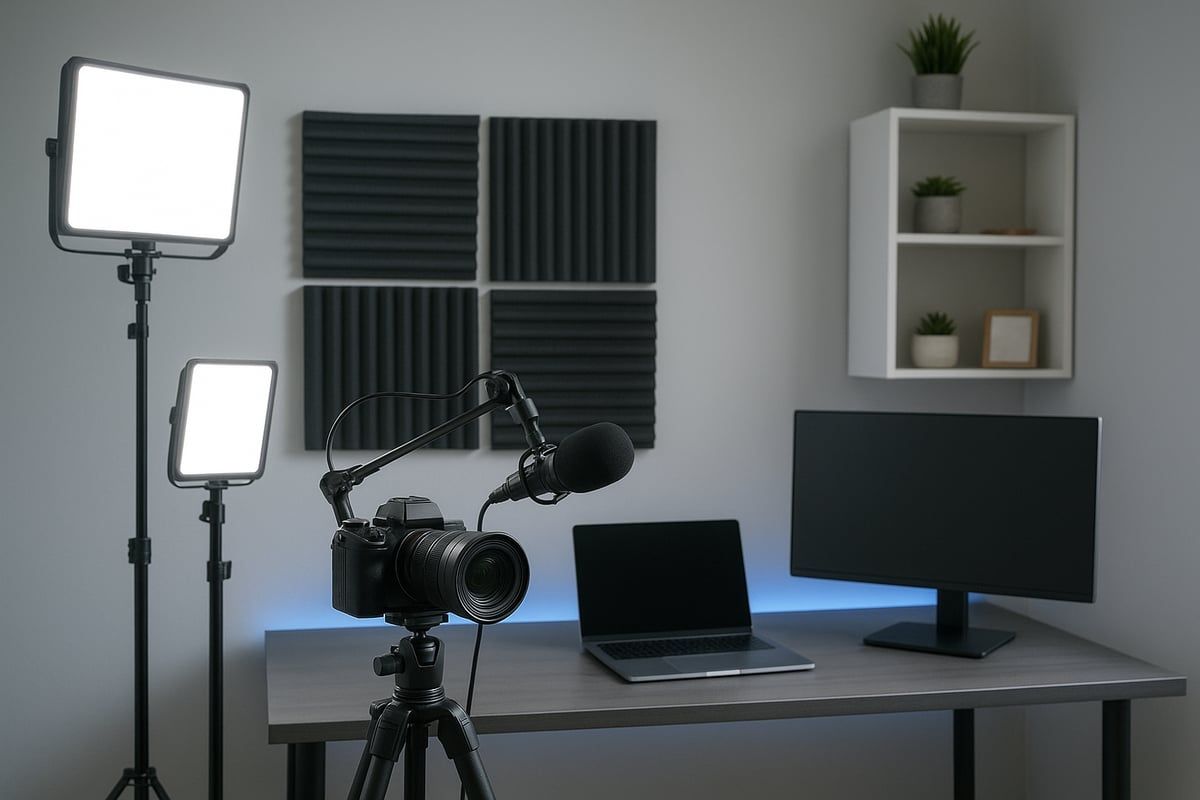
Great sound starts with the environment. Acoustic foam panels, carpets, and heavy curtains reduce echo and outside noise in your home video studio. Closets can double as natural vocal booths, while portable sound shields are ideal for open spaces.
DIY options include using rugs, bookshelves, or even hanging blankets for improved sound. Prioritize acoustic treatment to achieve clear, distraction-free recordings in your home video studio.
Monitors and Teleprompters
External monitors are essential for framing and focus, especially when filming solo in a home video studio. A 7-inch monitor mounted on your camera helps maintain eye contact and composition. Teleprompters streamline scripted content, allowing you to deliver lines naturally without glancing away.
- Use affordable models like Neewer for self-recording.
- Apps can turn tablets into reliable teleprompters.
Integrating these tools increases efficiency and confidence during every shoot in your home video studio.
Future-Proofing Your Equipment
To keep your home video studio ahead of the curve, select modular gear that supports upgrades. Interchangeable lenses, wireless microphones, and expandable lighting systems offer flexibility as needs evolve. Stay informed about AI editing tools, cloud-based workflows, and other emerging technologies.
Regularly assess your setup and invest in equipment that adapts to new trends. This proactive approach ensures your home video studio remains competitive and capable in 2026 and beyond.
Step 5: Lighting, Sound, and Studio Optimization Techniques
Achieving professional results in your home video studio depends on optimizing lighting, sound, and workflow. Even small changes in these areas can dramatically improve video quality and viewer retention. Let’s dive into proven techniques that help creators elevate their production value and stand out in 2026.
Advanced Lighting Setups
Lighting is the backbone of any home video studio. Start with a classic three-point lighting setup: key, fill, and back light. Use softboxes or LED panels for soft, even illumination. For flexibility, add a ring light or practical lamps. Daylight-balanced LEDs are preferred for consistent color.
Many creators find affordable, stylish pendant lights from IKEA boost studio aesthetics. Proper lighting not only flatters subjects but also enhances the overall production quality. For more foundational tips, explore Audio video production essentials.
Controlling and Shaping Light
Controlling light in your home video studio is essential for professional results. Use reflectors to bounce light and fill shadows, while diffusers soften harsh beams. Blackout curtains or V-flats help block unwanted sunlight, ensuring consistent results.
White walls amplify available light, while black or dark surfaces offer full control for dramatic scenes. Test different setups to find what works best for your content style. Small changes here can have a big impact on visual quality.
Audio Optimization
Audio clarity is critical in any home video studio. Position microphones close to your subject and away from reflective surfaces to minimize echo. Use headphones to monitor audio levels and catch issues before recording.
Consider a backup audio device for redundancy. Many creators report that viewers are more forgiving of minor video flaws than poor sound. Investing in quality microphones and interfaces pays off in audience retention.
Acoustic Treatment
Acoustic treatment transforms a basic home video studio into a professional environment. Install foam panels or bass traps to absorb sound and reduce echo. Heavy curtains or rugs can further dampen noise.
DIY solutions like bookshelves filled with books or closet studios work surprisingly well for many creators. The goal is to create a controlled, quiet space that enhances voice clarity and minimizes distractions.
Cable Management and Safety
Tidy cables are essential for a safe, functional home video studio. Use cable ties, clips, and floor covers to prevent tripping hazards and avoid audio interference. Color-coded cables streamline troubleshooting and setup changes.
Organized cabling also keeps your workspace visually appealing on camera. Regularly check for frayed wires or loose connections to maintain both safety and professionalism.
Temperature and Airflow Control
Lights and electronics can quickly heat up a home video studio. Use quiet fans or portable AC units to keep temperatures comfortable without adding noise to your recordings. Schedule breaks to cool the space between shoots.
Ensure proper ventilation, especially when using multiple lights or closed spaces. Comfort for you and your guests directly impacts energy and performance on camera.
Testing and Calibration
Before every shoot, test your home video studio’s lighting and sound. Calibrate white balance for accurate colors and set audio levels to avoid distortion. Regular checks help maintain consistency and reduce editing time.
Keep a checklist for lighting positions, camera settings, and audio gear. Staying organized ensures every session meets your standards and supports continuous improvement.
Step 6: Workflow, Shooting Tips, and Studio Maintenance
Mastering your workflow in a home video studio is crucial for producing consistent, professional content. Fine-tuned processes not only save time but also help you avoid costly mistakes. Let’s break down key strategies to keep your studio running at its best in 2026.
Efficient Shooting Workflows
A streamlined workflow is the backbone of every successful home video studio. Start with a pre-shoot checklist:
- Charge all batteries and clear memory cards.
- Test lighting and audio.
- Review your script or outline.
- Prepare props and set elements.
Batch filming can maximize productivity. Record multiple videos in one session, then batch-edit to save time. Schedule regular gear maintenance to prevent technical issues. For more actionable workflow tips, see 7 stellar YouTube tips for beginners.
On-Camera Presentation and Framing
Consistent, flattering framing elevates your home video studio output. Position your camera at eye level and use tape markers for repeat setups. Flip screens or external monitors help you check your appearance and background. Adjust lighting to avoid harsh shadows on your face.
Practice your delivery to maintain energy on camera. Small tweaks in posture or eye contact can make a big difference. Remember, the camera captures every detail in your home video studio, so check your background before recording.
File Management and Backup
Keeping your digital assets organized is vital for any home video studio. Use clear naming conventions and structured folders. Here’s a quick table for best practices:
| Task | Best Practice |
|---|---|
| Naming Files | Use date_project_title_version |
| Folder Structure | Year > Month > Project Name |
| Backup Frequency | After every shoot |
| Storage | Cloud + external hard drive |
Always back up footage in at least two locations. Regularly audit your storage to avoid clutter and accidental loss.
Studio Cleanliness and Upkeep
A tidy home video studio boosts creativity and minimizes distractions. Clean lenses, microphones, and surfaces before each shoot. Dust set elements and props regularly. Keep cables organized using ties or clips.
Quick cleaning checklist:
- Wipe camera lenses and screens.
- Vacuum or sweep the studio floor.
- Disinfect high-touch gear.
- Tidy props and backdrops.
Routine upkeep ensures your studio always looks professional on camera.
Adapting to Trends and Technology
The home video studio landscape changes quickly. Stay current by following trends like vertical video, interactive content, and live streaming. Upgrade equipment as needed to support new formats.
Experiment with emerging tools and software. If you plan to livestream, review the latest technology and gear to keep your setup competitive. Adapting your home video studio to new trends ensures your content remains fresh and engaging.
Collaborating and Guest Recording
Welcoming guests or collaborators into your home video studio requires flexibility. Prepare extra microphones and seating. Use modular furniture to adjust your space for group shots or interviews.
Test audio levels for each participant and frame wider shots to include everyone. Mark positions on the floor for consistent placement. Collaboration can bring new energy and perspectives to your content.
Troubleshooting and Continuous Improvement
Proactive maintenance prevents issues in your home video studio. Keep a troubleshooting log with common problems and solutions. For example:
- Audio hum: Check cables and grounding.
- Flickering lights: Replace bulbs or check power supply.
- Out-of-focus shots: Clean lens and recalibrate focus.
Seek feedback from viewers and peers. Regularly review your workflow and set, making small improvements over time. Continuous learning will keep your home video studio at peak performance.
You've now got the expert insights and practical steps to elevate your home video studio for 2026—everything from defining your content goals to optimizing lighting and sound. But if you're ready to take your creative vision to the next level and want measurable results from your video content, why not team up with professionals who live and breathe video production? At Viva Media, we partner with innovative creators and brands across Toronto to build standout video experiences that truly deliver. Let's discuss how you can transform your ideas into high-performance content—Start a project.