
Want to create the ultimate guide video that captivates, educates, and converts in 2026? Modern audiences demand content that is not only visually compelling but also actionable and of the highest quality.
This article delivers a step-by-step blueprint for mastering each phase of guide video creation. You will learn proven strategies for audience research, scripting, filming, editing, and distribution, all tailored to the latest trends.
If you aspire to produce guide videos that achieve pro-level results and drive real engagement, you are in the right place. Start building your own ultimate guide video with us today.
Understanding the 2026 Guide Video Landscape
Creating a standout guide video in 2026 requires a deep understanding of how the landscape has evolved. The expectations of today’s viewers and the technologies at your disposal are dramatically different from just a few years ago.
The Evolution of Guide Videos
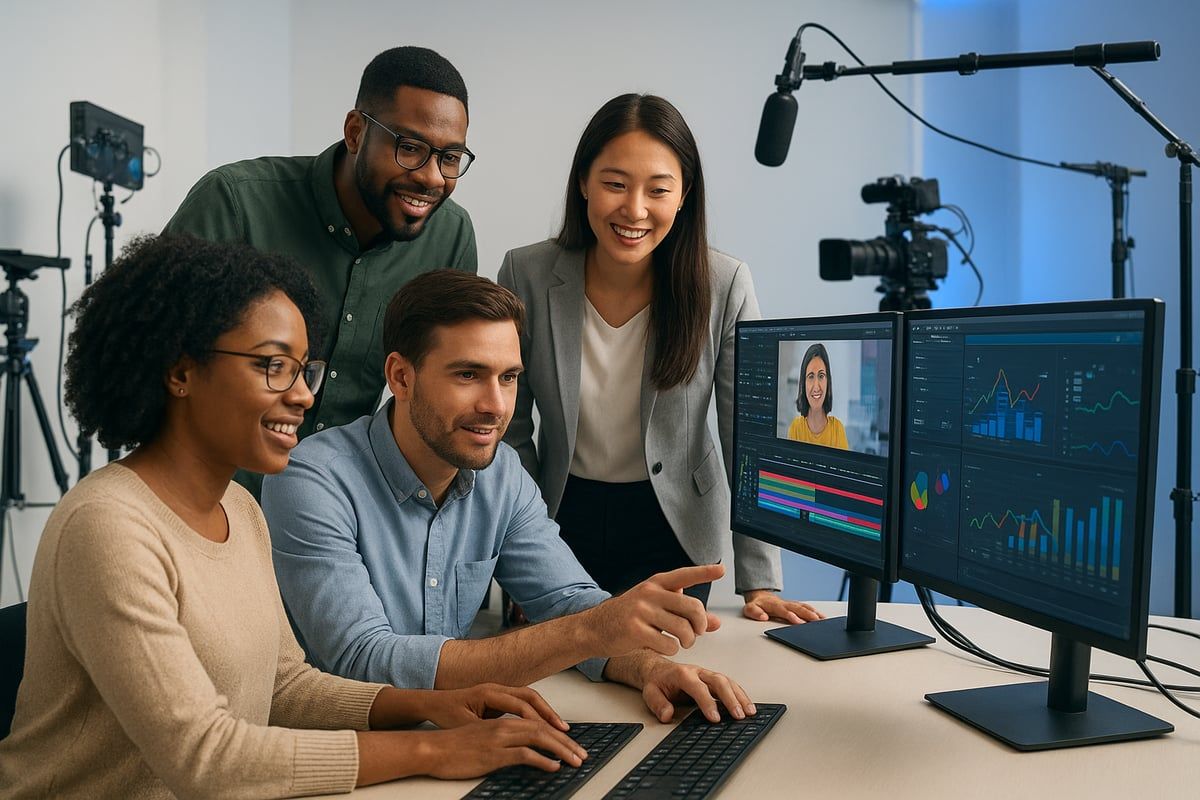
Guide videos have transformed significantly over the past decade. Once confined to lengthy, static YouTube tutorials, the modern guide video now thrives on platforms like TikTok and Instagram Reels. These short-form formats cater to the 65% of learners who prefer visual content, offering bite-sized insights in minutes.
Interactivity and personalization have become core features, driven by rising demand for engaging, AI-assisted experiences. Today’s guide video is not just watched—it is experienced, often allowing viewers to click, comment, and participate directly in the learning process.
2026 Audience Expectations & Consumption Patterns
The 2026 audience expects every guide video to be clear, concise, and visually appealing. According to Video Marketing Statistics for 2025, most-watched guide videos are under 10 minutes, emphasizing brevity and focus.
Mobile-first consumption dominates, making vertical video formats and responsive design essential. Accessibility is also vital, with closed captions, multilingual support, and on-screen annotations now standard. To connect globally, creators must ensure every guide video is inclusive and easy to follow.
Key Trends and Technologies Shaping Guide Videos
AI-powered editing and script generation are reshaping how a guide video is produced. Tools now offer features like automatic captioning, interactive quizzes, and clickable steps, accelerating both creation and viewer engagement.
Integration with learning management systems (LMS) is also common. Solutions like Guidde make it faster to turn raw footage into polished, professional training content, ensuring every guide video aligns with organizational learning goals.
The Business Value of High-Performance Guide Videos
A high-performing guide video delivers measurable impact for businesses. These videos are central to onboarding, customer education, and product adoption strategies. Brands see higher engagement rates, improved completion statistics, and increased ROI when guide video content is crafted with precision.
Metrics such as watch time, viewer retention, and conversion rates reveal how well a guide video performs, helping organizations refine their video strategies for maximum benefit.
Challenges & Opportunities Unique to 2026
Content saturation remains a major challenge—average is expensive, and only exceptional guide video content stands out. Balancing authenticity with professionalism is key, as audiences value relatable presenters without sacrificing quality.
Adapting quickly to new platforms, algorithm updates, and shifting consumption patterns opens up fresh opportunities. Those who innovate and respond to trends will lead the guide video space in 2026.
Step-by-Step Process: Mastering Every Phase of Guide Video Creation
Creating a standout guide video in 2026 means mastering each phase of production, from knowing your audience to refining every frame. The following steps break down the process, using proven techniques and the latest technology to help you deliver high-impact, professional results. Let’s dive into the journey of building a guide video that truly connects.
Step 1: Audience & Goal Research
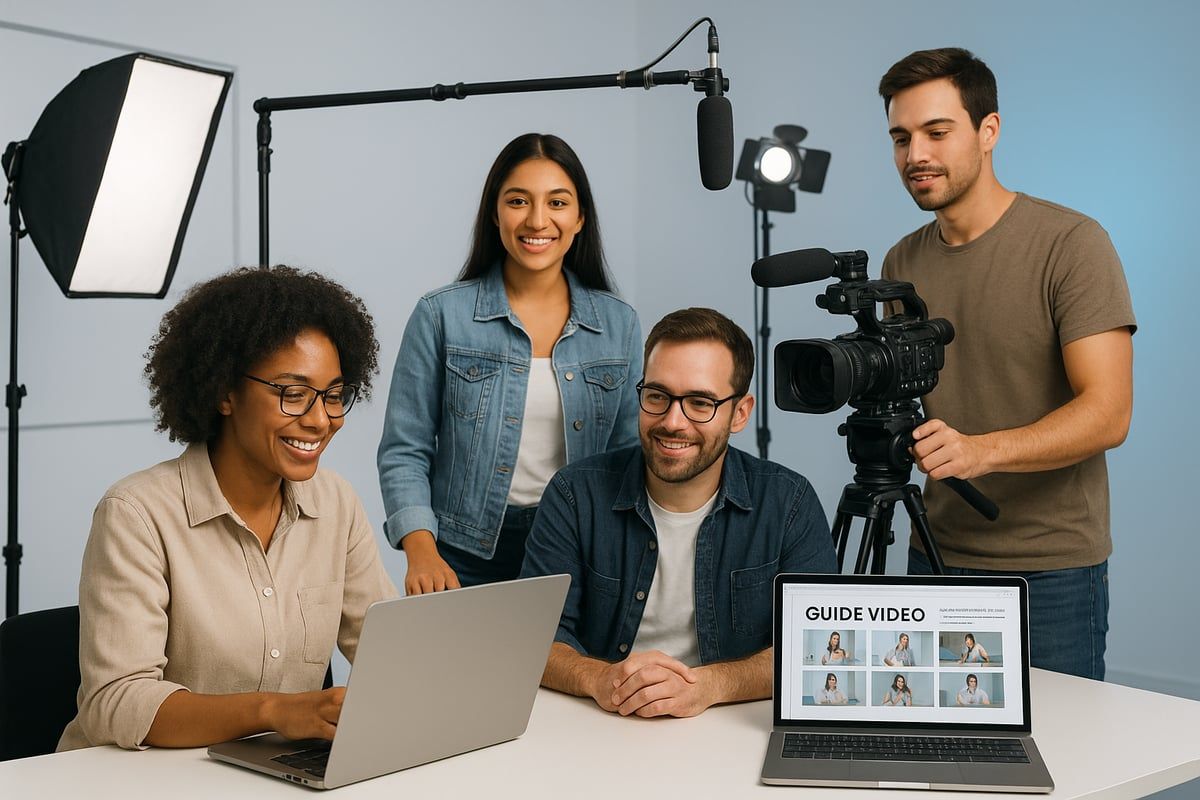
Every effective guide video starts with understanding who you are speaking to and what they need. Pinpoint your target audience’s pain points, skill levels, and learning preferences. Use surveys, website analytics, and competitor research to gather insights.
For example, if you are crafting a guide video for onboarding new employees, segment your audience by role or department. This allows you to tailor content that addresses specific challenges, increasing relevance and engagement.
Create a table to summarize findings:
| Audience Segment | Pain Point | Preferred Format |
|---|---|---|
| New Employees | Platform navigation | Short walkthrough |
| Managers | Performance tracking | Data-driven explainer |
This approach ensures your guide video delivers value from the very first second.
Step 2: Crafting the Perfect Script & Storyboard
A guide video lives or dies by its script. Clarity and structure are vital. Start with a conversational tone and break down each step logically. Use analogies to make complex topics relatable.
Storyboarding helps you visualize the flow. Map out each scene, noting key visuals, transitions, and where to insert on-screen cues. A well-structured script improves retention and keeps viewers engaged throughout the guide video.
Consider this: a company improved engagement by 30% after revising their script to include more direct instructions and relatable examples. Always review your script for jargon and test it with a sample audience before moving forward.
Step 3: Choosing the Right Tools & Technology
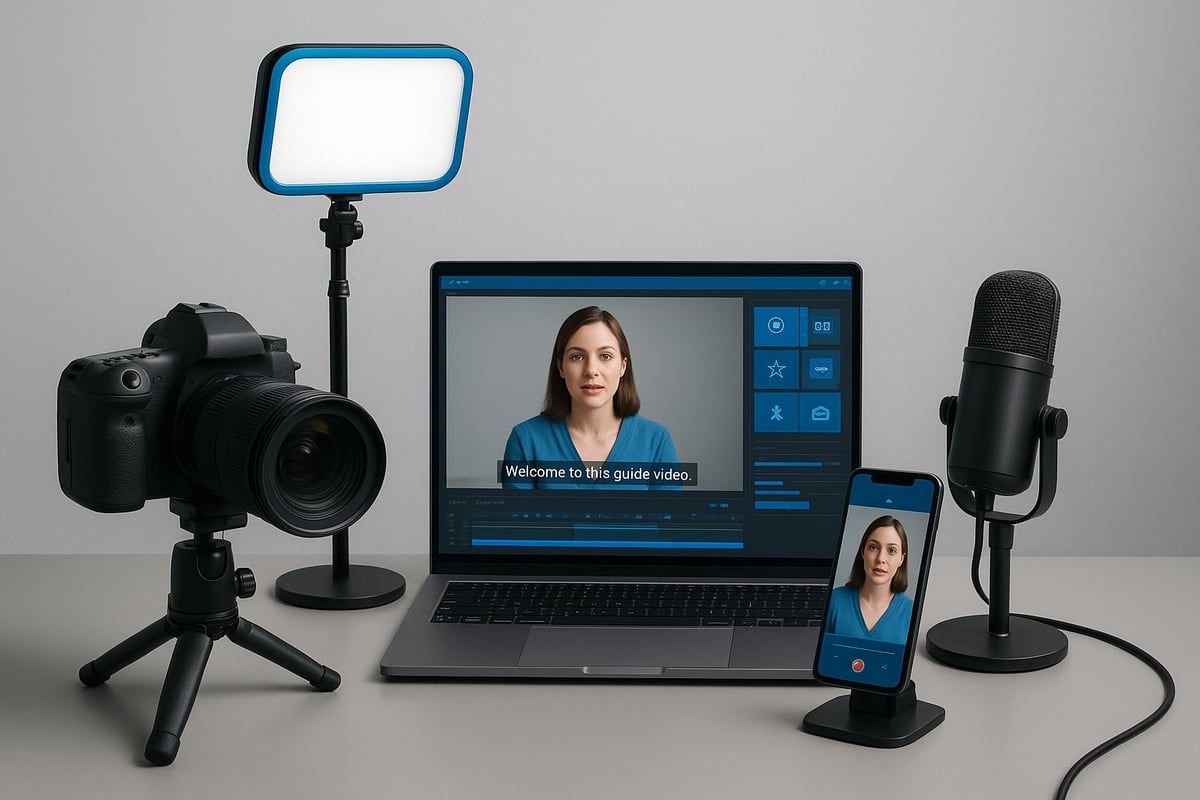
Selecting the right equipment is crucial for a professional guide video. Invest in high-definition cameras, quality microphones, and reliable lighting. For software, options like screen recorders, teleprompters, and AI-powered editors streamline production.
Mobile devices can be effective for quick shoots, but desktop setups offer more control. Weigh the pros and cons for your needs. For an in-depth breakdown of gear, check out this Comprehensive guide to video production equipment.
AI tools now speed up editing and automate repetitive tasks, letting you focus on creativity. The right combination of technology ensures your guide video stands out in a crowded market.
Step 4: Filming & Capturing Content
Set the stage for your guide video with a clean, well-lit environment. Position your camera at eye level and use natural or soft lighting to avoid harsh shadows. A neutral background keeps the focus on your message.
Record voiceovers with a good microphone and minimize background noise. When screen recording or demonstrating software, highlight cursor movements and use zooms for clarity.
Checklist for filming:
- Test your audio and video setup before recording
- Use a script or teleprompter for consistency
- Capture multiple takes for flexibility in editing
Professional filming practices make your guide video more credible and engaging.
Step 5: Editing for Maximum Impact
Editing transforms raw footage into a polished guide video. Begin by trimming unnecessary content and maintaining a brisk pace. Add transitions to guide viewers smoothly between steps.
Enhance visuals with on-screen text, annotations, and graphics. AI-powered editors can auto-generate captions and support multiple languages, making your guide video accessible to a global audience.
Accessibility is key. Always include closed captions and consider descriptive audio. These enhancements not only improve user experience but also expand your guide video’s reach.
Step 6: Review, Feedback, and Iteration
Before publishing, subject your guide video to thorough review. Invite peers or a sample audience to watch and provide feedback on clarity, pacing, and technical quality.
Track key metrics like engagement and completion rates. Use viewer comments and analytics to identify areas for improvement. Iterative updates ensure your guide video remains relevant and effective.
Treat the feedback loop as an ongoing process. Each iteration brings your guide video closer to perfection, helping you deliver content that consistently educates and delights.
Types of Guide Videos & When to Use Each
Selecting the right guide video format is crucial for maximizing engagement and learning outcomes. Each type addresses unique needs, audience preferences, and content goals. Below, explore the major guide video varieties and discover when each excels.
Microlearning & Short-Form Videos
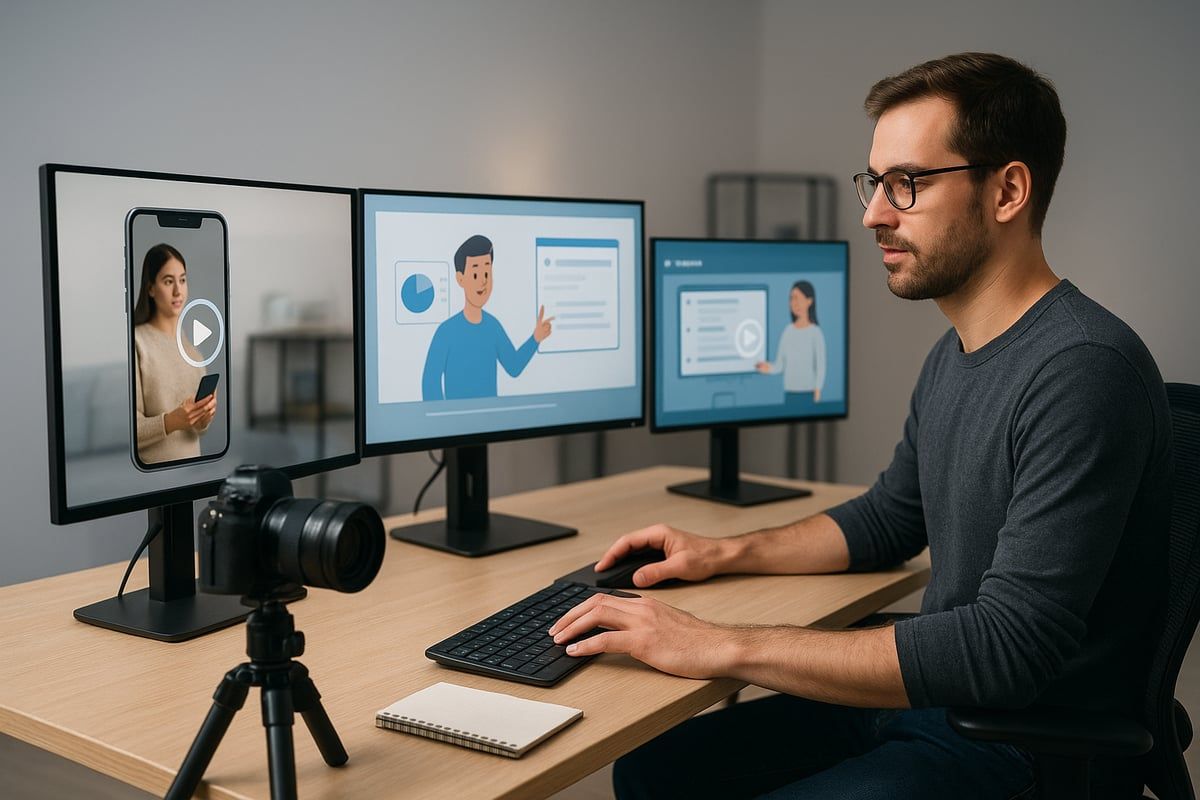
Microlearning guide video formats are ideal for quick, actionable tips and single-step instructions. These videos shine on platforms like TikTok and Instagram, where brevity and visual impact are key. With most mobile viewers preferring content under two minutes, microlearning fits seamlessly into fast-paced learning environments.
Interactive elements, such as clickable steps or mini-quizzes, can boost engagement. According to Interactive Video Trends, these features increase completion and conversion rates, making microlearning a strategic choice for 2026.
In-Depth Tutorials & Walkthroughs
When a guide video needs to cover complex processes or software demonstrations, in-depth tutorials are the preferred format. These videos typically range from 10 to 15 minutes and break down each step in detail, ensuring viewers can follow along with confidence.
YouTube remains the top platform for these comprehensive guides, as its chapter markers and longer format support deep dives. Choose this approach when clarity and thoroughness are essential for your topic.
Training & Onboarding Videos
Businesses rely on training and onboarding guide video content to educate new employees and streamline skills development. Scenario-based videos are particularly effective, simulating real workplace situations to make learning relatable.
These videos are often integrated into company LMS platforms for consistent delivery and measurement. Whether onboarding new hires or upskilling teams, this format drives retention and smooth transitions.
Explainer & Animated Videos
Explainer and animated guide video types simplify complex topics using vivid visuals and storytelling. Animation can break down abstract concepts, making them accessible and memorable.
This approach works well for product feature overviews or illustrating business concepts. By using a guide video with compelling graphics and narration, you can boost understanding and retention, especially for audiences seeking clarity on intricate subjects.
Presentations & Voiceover Slideshows
Presentations and voiceover slideshows are effective for educational content, webinars, and remote learning. A guide video in this format typically features narrated PowerPoint or Google Slides, complemented by screen recordings for added context.
This method allows subject matter experts to share knowledge efficiently, especially when live delivery is impractical. It is also a practical choice for asynchronous training sessions or recorded lectures.
Screen Recordings & Live Demonstrations
Screen recordings and live demonstration guide video formats are perfect for showcasing software usage, troubleshooting, or step-by-step walkthroughs. Screencasts provide a real-time look at navigating new apps or platforms, making them invaluable for tech tutorials.
This format supports both live and pre-recorded delivery, adapting to different teaching styles and audience needs. Use it whenever hands-on guidance is required for digital tools or processes.
Essential Tools & Platforms for 2026 Guide Video Creation
Selecting the right tools is fundamental to producing a high-impact guide video in 2026. The tech landscape is evolving rapidly, and leveraging the best platforms ensures your content stands out, engages, and remains accessible to a global audience.
AI-Powered Video Creation Tools
AI-driven platforms are redefining guide video production. Tools like Guidde and Vyond now offer AI script generation, voice synthesis, and automatic editing, reducing turnaround time and boosting quality. These solutions enable creators to generate visually appealing and consistent content with minimal manual intervention.
Features such as AI-powered captions, automated scene transitions, and real-time translation make it easier to produce a professional guide video at scale. For a broader view of how these innovations are shaping the industry, explore this overview of AI-Powered Video Creation Tools.
Screen Recording & Editing Software
Recording and editing remain at the heart of guide video creation. Leading software options include TechSmith Camtasia, Adobe Premiere Pro, and Wondershare Filmora. Each offers unique advantages for different workflows.
| Software | Pros | Cons |
|---|---|---|
| Camtasia | User-friendly, quick edits | Limited advanced effects |
| Premiere Pro | Professional-grade, robust | Steep learning curve |
| Filmora | Affordable, easy templates | Fewer customization options |
Choosing the right editor ensures your guide video maintains clarity and polish, whether you’re producing on desktop or mobile.
Animation & Visual Enhancement Tools
Animations and infographics elevate a guide video by simplifying complex ideas. Vyond, for example, enables users to create custom animated sequences, dynamic charts, and branded visuals. These enhancements not only boost engagement but also help viewers retain information.
Consider integrating animated overlays, icons, and transitions to make your guide video both memorable and easy to follow.
Learning Management Systems (LMS) & Distribution Platforms
Effective distribution is key for any guide video. Integrate your videos into LMS platforms like LearnWorlds for structured training, or leverage YouTube and social media for broader reach. Internal LMS solutions allow for tracking progress and gathering analytics, while public platforms maximize visibility.
Strategically placing your guide video ensures it reaches the intended audience, whether for onboarding, education, or product demonstration.
Accessibility & Enhancement Plugins
Accessibility is a non-negotiable element for guide video success in 2026. Use plugins and tools to add closed captions, translate content into multiple languages, and incorporate interactive layers. Ensuring ADA compliance and global reach not only widens your audience but also builds trust and inclusivity.
These enhancements make your guide video accessible to all, regardless of device or location.
Best Practices for Engaging, High-Impact Guide Videos
Creating a standout guide video in 2026 requires more than just hitting record. To ensure your content captivates, educates, and drives action, you must focus on clarity, visuals, accessibility, authenticity, and continuous improvement. Let’s explore the essential best practices that elevate every guide video to professional standards.
Clarity & Step-by-Step Structure
Every effective guide video starts with a clear, logical structure. Break complex topics into smaller, manageable steps that viewers can easily follow. Use on-screen cues, such as arrows or highlights, to direct attention and reinforce each stage.
Integrate chapter markers and concise summaries at key points. This approach helps viewers navigate the guide video efficiently, especially if they need to revisit specific sections later. A structured flow not only improves comprehension but also increases engagement.
Visual Engagement & Retention
Visuals are crucial for keeping viewers invested. Research shows that incorporating graphics, annotations, and animations can boost retention by up to 80%. In a guide video, leverage branded visuals, infographics, or animated transitions to illustrate key concepts.
Consider using side-by-side comparisons or quick pop-up facts to maintain interest. Remember, a dynamic visual experience makes your guide video memorable and more likely to be shared.
| Visual Element | Purpose |
|---|---|
| Graphics | Clarify instructions |
| Annotations | Highlight key steps |
| Animations | Simplify complex ideas |
Accessibility & Inclusivity
An accessible guide video reaches a broader, more diverse audience. Add closed captions, offer multiple language options, and include descriptive audio for visually impaired viewers. Mobile-first design ensures your content is easy to consume on any device.
For actionable insights on optimizing your guide video for a global audience, see 10 online video production tips for a global audience. Prioritizing accessibility not only meets regulatory standards but also builds trust and loyalty among viewers.
Authenticity & Professionalism Balance
Striking the right balance between authenticity and professionalism sets your guide video apart. Use a conversational tone and show real people behind the brand to foster connection. At the same time, maintain high production standards with quality audio, lighting, and editing.
Behind-the-scenes snippets or unscripted moments can humanize your guide video, making it relatable without sacrificing credibility. Audiences appreciate transparency and genuine expertise.
Measuring Success & Continuous Improvement
To ensure your guide video delivers results, track key metrics like engagement, completion rates, and viewer feedback. Use analytics to identify which segments perform best and where viewers drop off.
Regularly gather input from your audience and iterate on your content. This continuous improvement cycle helps you refine future guide video projects, keeping them relevant, effective, and impactful.
Future-Proofing Your Guide Videos for 2026 and Beyond
Creating a guide video that stands the test of time requires more than technical skill; it demands foresight and adaptability. As the digital landscape continues to evolve rapidly, future-proofing your guide video strategy in 2026 means staying ahead of platforms, technologies, and shifting audience expectations.
Adapting to Emerging Platforms & Formats
Video platforms are constantly changing, and so are viewer habits. To ensure your guide video reaches its audience, monitor new social platforms, experiment with vertical and interactive formats, and stay flexible with content delivery. Prioritize mobile-first design and consider how emerging trends may influence the way users discover and engage with your guide video content.
Leveraging AI & Automation for Scale
Artificial intelligence is transforming guide video production. Tools like Google Vids now offer AI-generated voiceovers, script suggestions, and automated editing, allowing creators to scale content faster than ever. By integrating Google Vids Enhancements, teams can personalize, localize, and update videos efficiently, keeping their guide video catalog relevant as demands shift.
Building a Sustainable Video Content Strategy
Sustainability in guide video creation comes from planning and repurposing. Develop a content calendar to maintain consistent output. Repurpose longer guide video assets into microlearning clips, infographics, or blog posts. This multiplies your reach while maximizing return on investment and reducing production fatigue.
Staying Ahead of Algorithm & Audience Shifts
Algorithms and audience preferences can change overnight. Monitor analytics closely, track industry trends, and adapt your guide video approach based on real-time feedback. Brands that pivot quickly see improved engagement and maintain their competitive edge. Consider regular reviews of platform updates and audience data to keep your strategy aligned.
Key Takeaways for Mastery in 2026
To future-proof your guide video strategy, embrace change, leverage AI, and build for sustainability. Stay agile by experimenting with new formats and tracking what resonates. The most successful creators are those who learn, iterate, and innovate—ensuring their guide video content remains impactful well into 2026 and beyond.
Now that you understand what goes into crafting guide videos that truly engage and convert in 2026, it’s time to put your knowledge into action. Whether you’re ready to elevate your brand’s video strategy or want expert support through every production step, we’re here to help you achieve measurable results. At Viva Media, we specialize in bringing forward thinking ideas to life and ensuring your videos stand out in a crowded digital landscape. If you’re ready to take the next step and turn your vision into a high performance guide video, let’s connect and start a project.